


Start
Manual editing without AI — try Kutto on your own videos.
$0forever
Hand editing, no AI
- Upload, storyboard and timeline — you put the clips together yourself
- Publishing to YouTube and TikTok
- 720p clips with a Kutto watermark
Paste a link to a podcast, stream, webinar, or interview. Kutto finds the strongest moments, reframes them vertically around whoever is talking, captions every word, bleeps the profanity, and publishes to YouTube Shorts and TikTok.
Clips from
One hour on air —about 15 clips
Kutto listens to the whole stream, finds finished thoughts, turns the frame to 9:16behind whoever is talking, and captions every word in one of 17 styles— or translates into one of 17 languages
Podcasts, streams, match breakdowns, webinars, vlogs, stand-up, interviews. The AI doesn’t chase the loudest moment — it looks for a complete thought, with a setup, a turn, and a payoff.
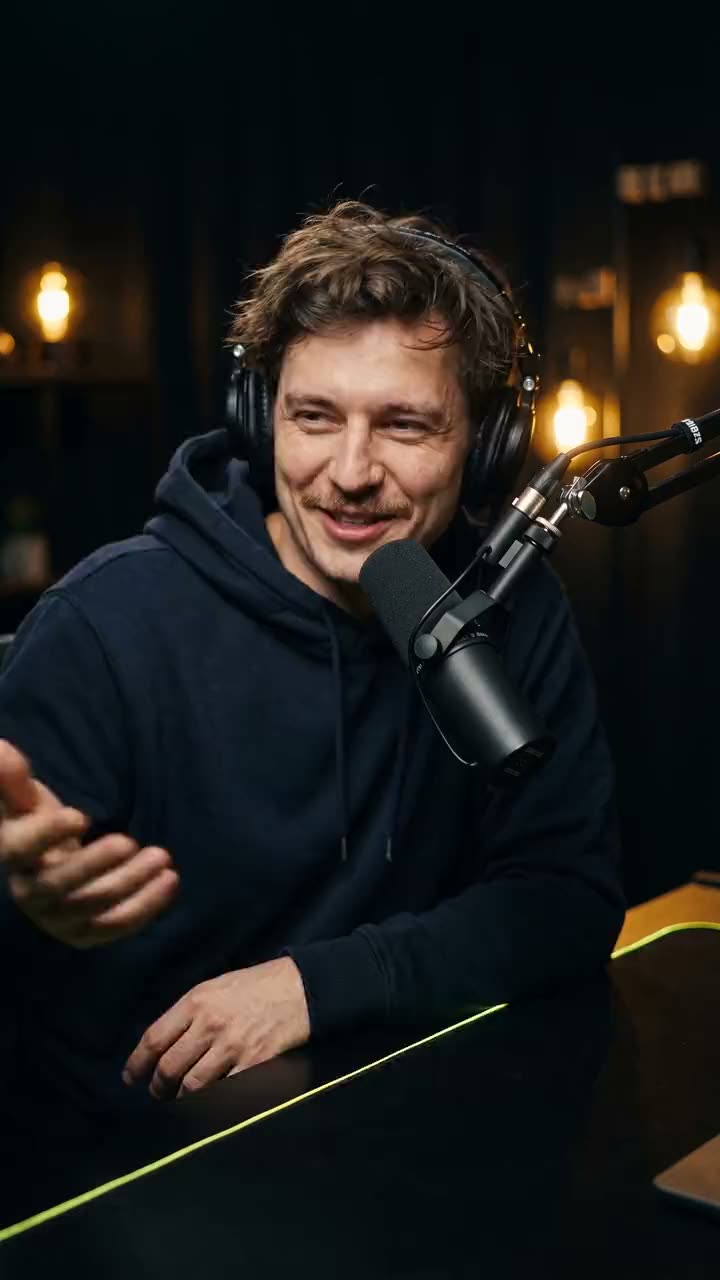
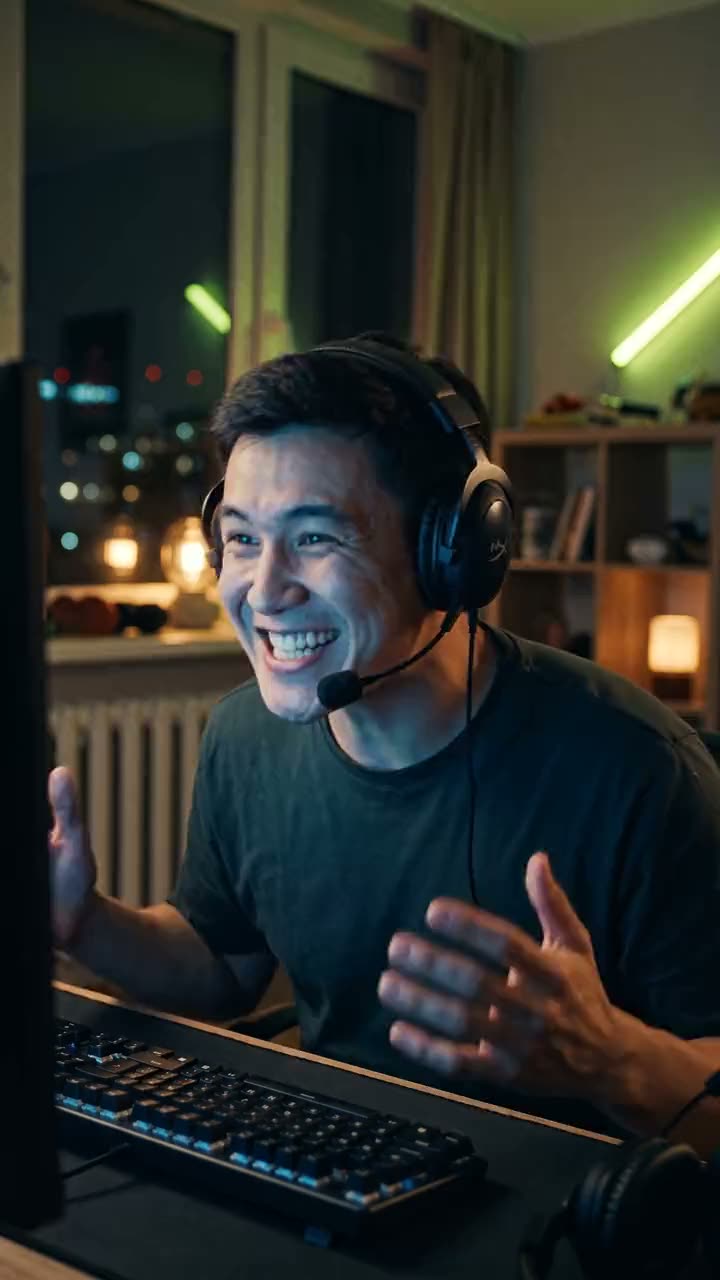
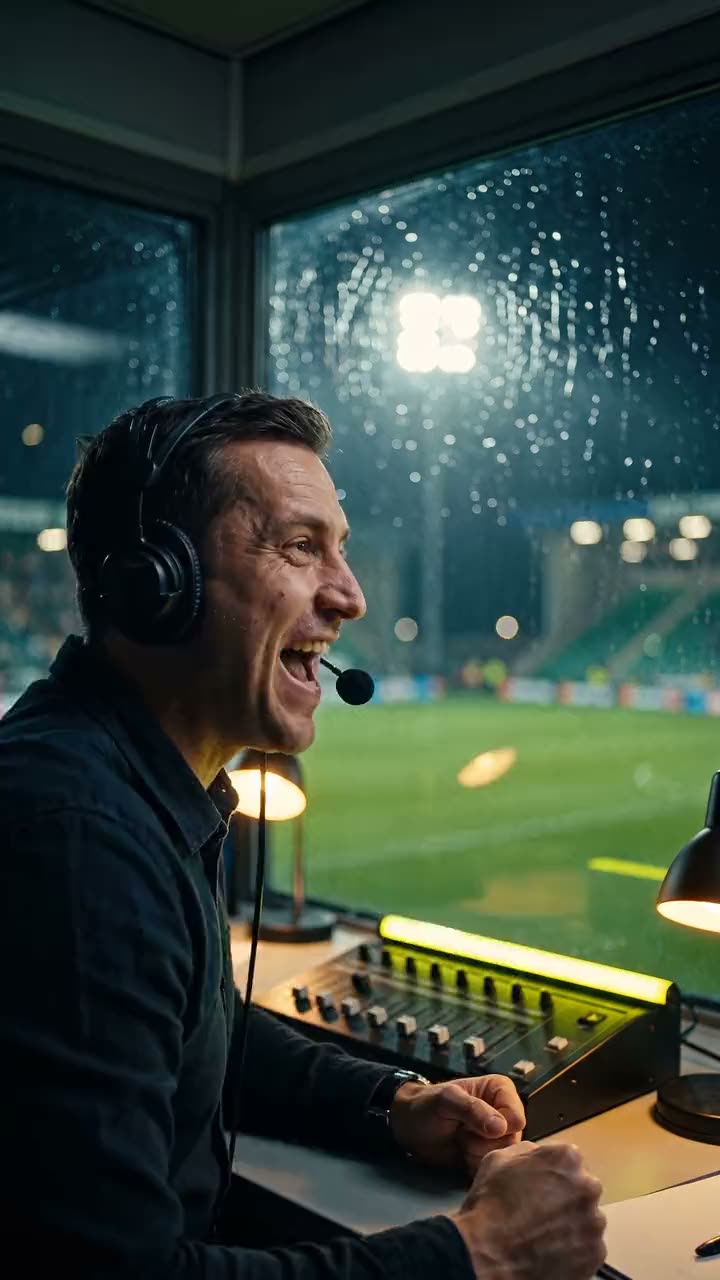
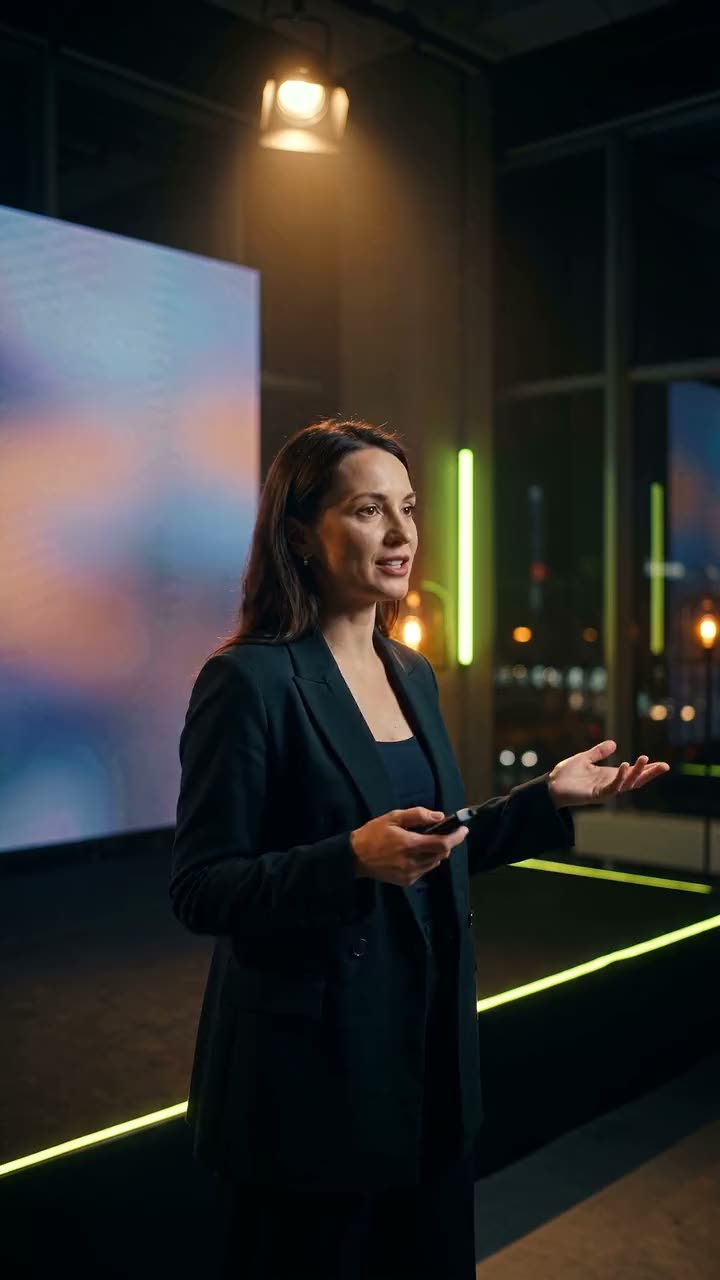
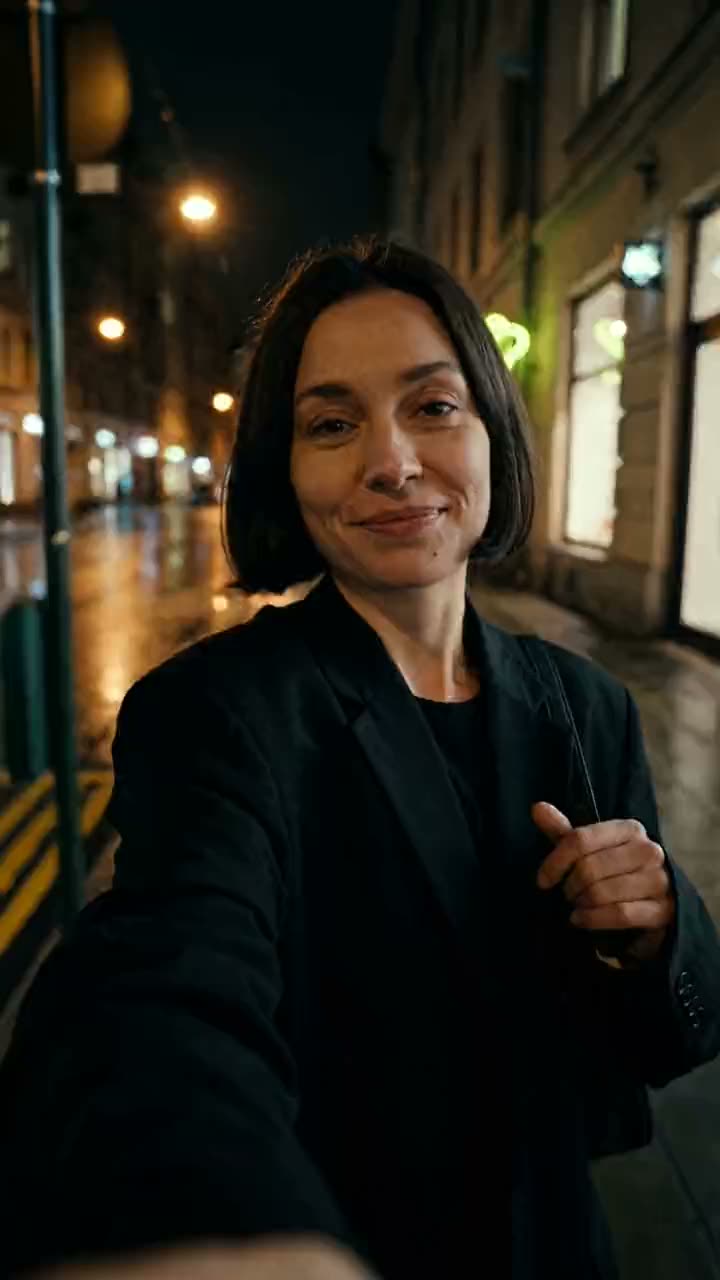
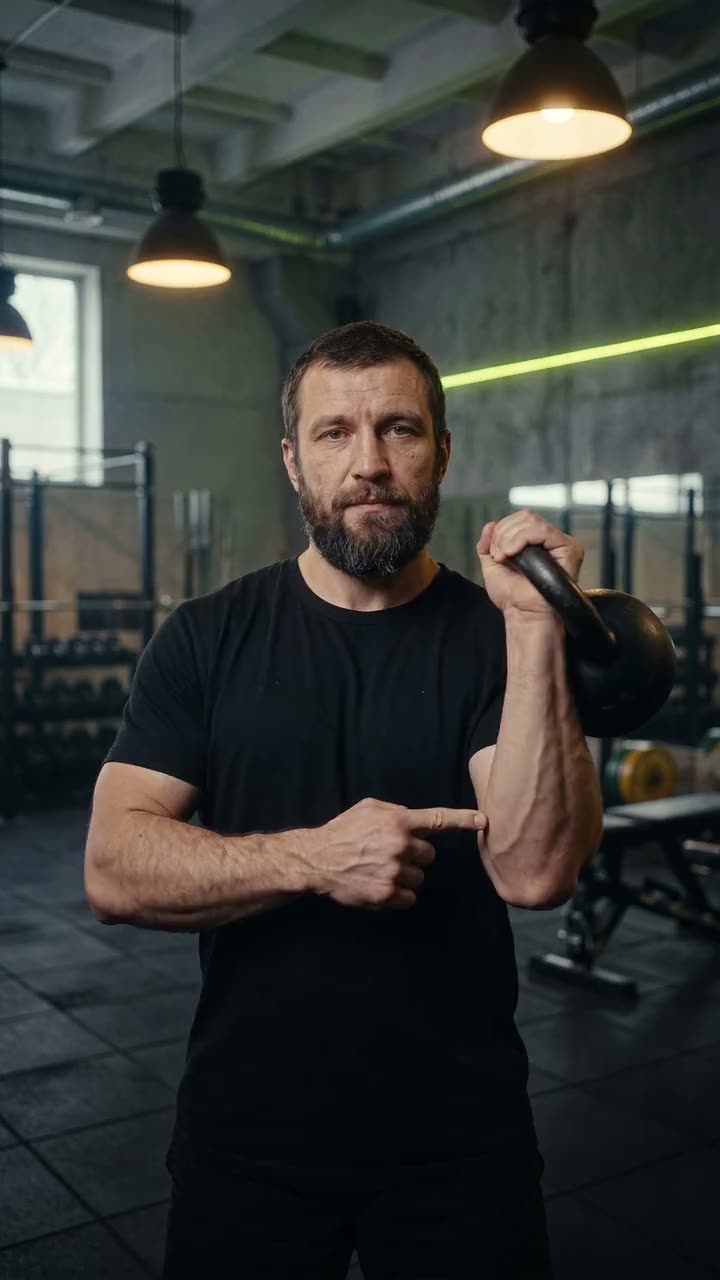

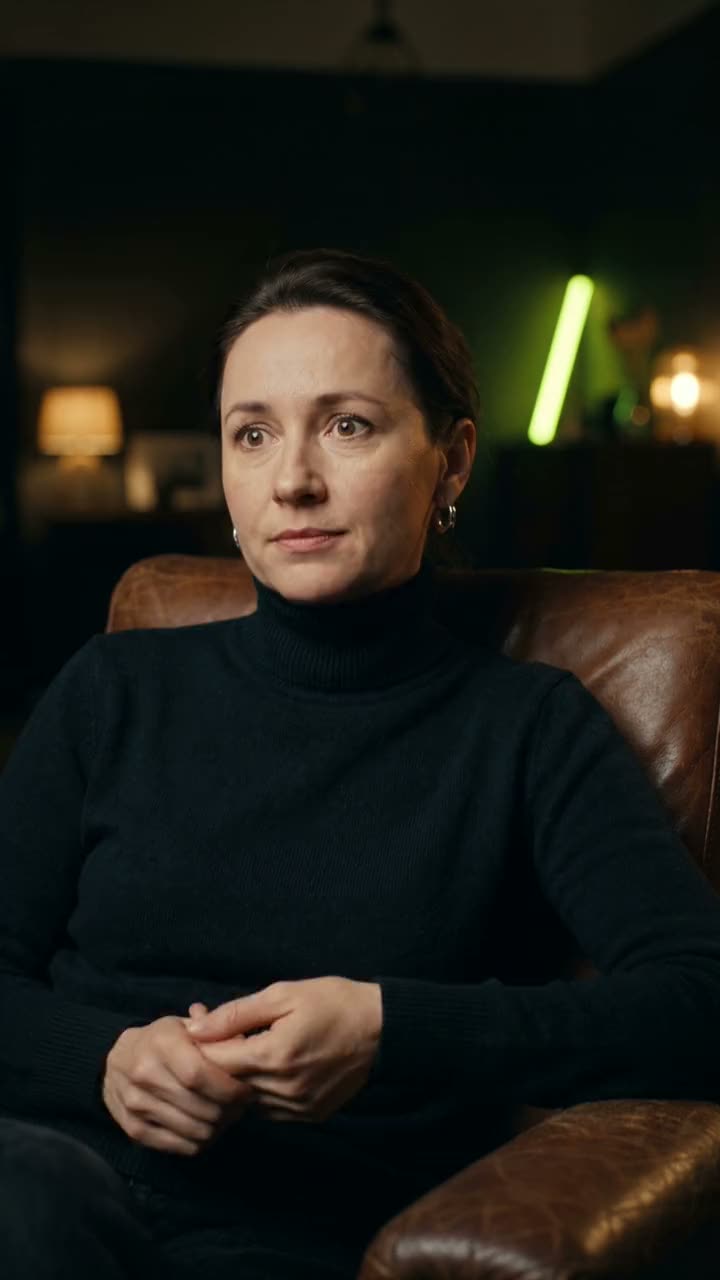
These examples were generated for the demo; the people on screen are not real creators.
YouTube, livestream recordings, VK Video, Twitch, Instagram, TikTok, or a file from your computer. Hit “Get clips” once — Kutto takes it from there.
Kutto transcribes the speech, maps the topics, and proposes segments. A separate judging pass compares them against each other and scores every one, so the strongest rise to the top.
A 9:16 frame that follows the speaker, word-by-word captions in your style, profanity bleeped, title and description written. An hour of footage yields about 15 clips.
Fix the opening or a caption word on the timeline, drop clips onto your YouTube Shorts and TikTok calendar, or download the file in up to 4K.
Kutto reads the whole transcript and looks for complete thoughts: a question and its answer, a story with a payoff, a bold claim. Every segment gets a score, best on top. Don’t like the pick? Drag the boundaries or grab another moment from the list.
Horizontal video becomes vertical without a blind center crop: Kutto finds the faces, works out who’s talking, and moves the frame to them. Two people on screen? Split it top and bottom.
Two speech models transcribe the audio and timings snap to the sound, so each word lights up exactly when it’s spoken. 17 styles, from clean white to bold with word highlights. Translate and re-voice any clip into one of 17 languages.
Auto-censor mutes swear words in the audio and masks them with asterisks in the captions. If a clip has something a platform might restrict, Kutto warns you before you publish.
Every clip opens on a timeline with video, audio, and caption tracks. Nudge the start by a frame, fix a word, change the layout, swap the music — and re-render.

Clips export at up to 4K: the speaker-tracked frame, captions and cover stay crisp on a big screen.
Connect your channels once. Finished clips land on a calendar with a title, description, and tags that Kutto writes for each platform. You can publish long-form videos to YouTube, too.
Publishing to Instagram, VK, and Telegram isn’t available yet.
Point Kutto at your YouTube or VK Video channel. When a new episode drops, Kutto creates a project, cuts it, and puts the clips in your drafts. All that’s left is to review them and add them to the calendar.
Spy tracks accounts on Instagram, TikTok, YouTube, and VK and surfaces videos that pulled far more views than their creator usually gets. Break any of them down — the hook, the structure, why it worked — and make your own version. Spy is in beta: we’re testing it and opening it to everyone soon.
Paste a link to any YouTube channel. Kutto measures every video against the channel’s baseline and sorts them into flops, average, good, breakouts, and mega-hits — so you can see which topics and formats pull.


All your connected YouTube channels on one chart: views, subscribers, and which Shorts are taking off. Every morning the bot sends a short digest to Telegram — no need to open YouTube Studio.
The numbers in the image are an example.
Connect Kutto to Claude, Cursor, or any other agent that speaks MCP. The agent cuts videos, reads the Spy feed, writes captions, and schedules clips — over a hundred tools. Sign-in via OAuth; publishing only with a separate permission.
MCP is available on the Creator and Pro plans.
How to connect an agentClip yesterday’s episode and schedule the three best clips for tomorrow at 18:00, 18:30, and 19:00.
Done. I picked three moments scored above 8.4; the clips are rendered and scheduled on YouTube Shorts for tomorrow. Want me to add them to the publishing queue?
One 90-minute episode a week is about 20 clips: a Short every day on YouTube and TikTok until the next episode. Autopilot picks up each new episode on its own.
≈ 20clips from a 90-minute episode
A four-hour Twitch stream or a YouTube live recording — Pro covers about four of those a month. Profanity is bleeped, so a couple of words won’t cost you reach.
4four-hour streams a month on Pro
A webinar becomes a series of short answers to your students’ questions. Captions for people watching on mute, translation if you sell your course in more than one language.
17languages for caption translation and dubbing
Three team seats, roles, and a brand kit with your client’s fonts and colors. Clients watch a clip via link, no account needed, and click “Approve” or “Reject.” Channel analysis shows clients which topics pull.
3team seats and approval via link
Analysis shows which formats work on a channel. Cut, polish on the timeline, post — all in one window. Coming soon: Spy, which shows what’s taking off for big creators right now. It’s already in beta.
4platforms tracked by Spy — in beta, coming soon
| By hand in an editor | Other clipping tools | Kutto | |
|---|---|---|---|
| Prices | — | in dollars or euros | in your region’s currency |
| Auto-renewal | — | check the subscription terms | none: you renew yourself |
| VK Video and livestream recordings | download and open by hand | check whether it’s supported | just paste a link |
| Speech and profanity | by hand | test the quality on your own video | speech recognition in many languages, profanity masked |
| Try it out | — | check the terms | 3 previews without signing up |
| Fix the frame or a word | yes | depends on the editor | frame-accurate timeline |
| Starting price | an editor’s time | — | $0 without AI, AI plans from $29 a month€0 without AI, AI plans from €26 a month |
We don’t fill the “Other clipping tools” column with competitors’ numbers: compare for yourself on the same video — that’s exactly what clipping without sign-up is for.
Didn’t find your answer? Contact support or email support@kutto.app.
Yes. Without signing up, you see the 3 strongest moments right on the home page; the vertical clips are assembled after you sign in. Sign up and you get 7 days of the Pro plan with up to 30 free minutes of video for AI analysis and moment search — no card required. After that you stay on the free Start plan: manual editing without AI, 720p clips with a watermark.
About 15 per hour of footage on average, but it all comes down to the content: a dense interview has more moments, an hour with long pauses has fewer. If the AI doesn’t find a single moment, the minutes you spent come back to you.
YouTube (regular videos and livestream recordings), VK Video, Twitch, Instagram, TikTok — or upload a file. Without signing up: YouTube and VK Video, videos up to 90 minutes long.
A clip looks like any other Short: the frame stays on the speaker, captions use one of 17 styles, and there are no “made with AI” badges. The Kutto watermark appears only on the free Start plan and on no-sign-up previews. You can polish any clip by hand on the timeline.
Speech recognition works in many languages: two models transcribe the speech, and timings are aligned to the audio. Profanity is muted in the audio and masked in the captions, and if a clip risks 18+ restrictions, Kutto warns you before you publish.
Yes. The timeline shows the video, audio, and caption tracks: trim the start and end with frame accuracy, fix a word, change the caption style and the frame layout.
To YouTube (Shorts and long-form videos) and TikTok — right away or on a schedule. Publishing to Instagram, VK, and Telegram isn’t available yet: download the finished file in up to 4K and upload it yourself.
Prices are in your region’s currency, with no auto-renewal. Speech recognition works in many languages, and you can try it without signing up. Compare them on the same video — that’s more honest than any table.
Top up your balance and buy a plan from it — the pricing page shows how to pay in your region. There’s no auto-renewal — you’re never charged without taking action. We refund any unused balance on request, and plan payments minus what you’ve used. Details are on the pricing page.
Yes: captions translate into 17 languages, and a clip can be re-voiced with a new voice. Caption translation is free; voiceover uses the voiceover minutes in your plan.
Pro includes 3 seats with roles and a brand kit. Clients don’t need an account: they open a clip via link and click “Approve” or “Reject.”
Yes, via MCP: Claude, Cursor, and other agents that support it. Sign-in is via OAuth, and the agent can publish only with a separate permission. Available on Creator and Pro.
Paste the link — and get a week’s worth of Shorts out of it.